I Got Tired of Copying Anime to My TV, So I Built Veltrix
A Rust file-transfer engine and a web app that moves big files over your own Wi-Fi with no cloud, and can start a video on another screen before the copy finishes.
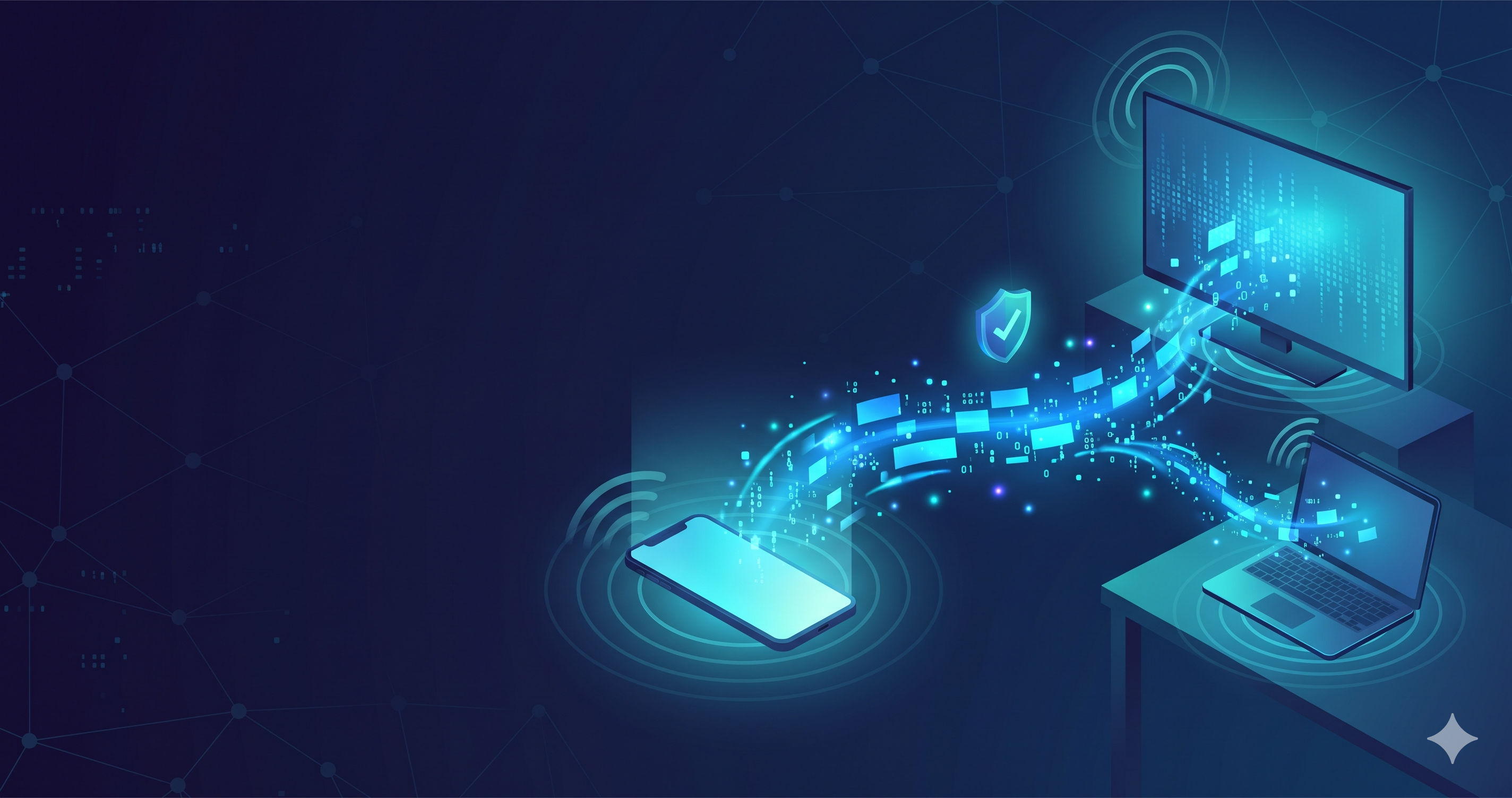
I was staring at a frozen progress bar at 2 AM, waiting for a 3.2 GB anime movie to finish copying over a USB cable.
The file was already on my phone. My Wi-Fi router was sitting idle, perfectly capable of moving 100+ MB/s between two devices in the same room. And I was waiting 15 minutes so I could press play on my TV.
That's how Veltrix started.
I built it for Devpost Learn's Build With AI: Basics hackathon, a guided event about planning before you build. Instead of prompting an AI coding agent and hoping, you let it interview you first, then scope the idea down to one core thing that works end to end. This post is the build log, plus what that planning-first approach did to the project.
- Code (MIT license): github.com/Hellnight2005/Veltrix
- Live showcase: hellnight2005.github.io/Veltrix
The problem: four bad ways to get a video onto a big screen
I download episodes on my phone during the day and watch them on the subway. By evening I'm in front of a 65-inch TV or a 16-inch laptop, and watching on a 6.5-inch screen feels silly. My options every night were:
- USB cable. Find the cable, enable file transfer mode, dig through nested folders, wait 10 to 15 minutes, unplug, play.
- Cloud relay. Upload to Drive or Telegram, burn uplink and mobile data, then download again on a device two feet away.
- Screen mirroring. Compressed bitrate, stutter, a phone that overheats, and a screen that has to stay awake.
- No continuity. If I was at 14:22 on the phone, I had to guess and scrub to find that spot on the TV.
None of these felt like they belonged in 2026.
The idea
The question that stuck with me: why am I treating a video like a package that must be fully delivered before I can open it?
YouTube and Netflix start playback in a fraction of a second over long-distance links. Two devices on the same router should be able to do that to each other. And if the phone knows exactly where I paused, "Switch to TV" should pick up from that exact spot.
That turned a plain file-transfer experiment into two features in one app:
- Send Files: LAN transfer for anything (APKs, PDFs, ZIPs, 4K video) with streaming SHA-256 integrity checks.
- Video Stream: play a video straight from the phone on a laptop or TV while it's still being served, with position handoff.
The rules I set for myself: no cloud, no accounts, no telemetry, and no waiting before playback.
Planning before building
The hackathon's first step flips the usual workflow: the AI agent interviews you about what you want to build and how much you've done with coding and AI agents, then writes a profile that every later step reads. Only after that do you go from idea to scope to plan to code.
My idea was big: file transfer, video streaming, handoff, device discovery, an Android app. The exercise pushed me to name the one thing the project had to do: move files across my own Wi-Fi, fast and verified, with no cloud. Streaming a video to another screen while it transfers, and resuming where I paused, came second as an extension of the same engine.
The main thing I cut was Android testing. I don't own an Android device, so the APK is built but unverified on real hardware, and I scoped the project around what I can prove on my laptop.
The written plan (PROJECT_PLAN.md and ENGINE_PLAN.md) set four rules I kept to:
- Engine first: the Rust core had to work as a command-line tool before any UI existed.
- Measure first: no speed claim without a benchmark.
- Be honest about networks: detect isolated Wi-Fi and fall back to direct IP or QR instead of pretending it works.
- Never invent crypto or file formats: standard SHA-256 and simple length-prefixed framing.
Because of that order, the engine had 14 passing integration tests before I built the web app.
How it works
Transfer engine. The core is written in Rust (Tokio, Postcard, SHA-2). Messages use a 4-byte length prefix with a 16 MiB cap, and files move in bounded 1 MiB chunks with backpressure, so memory stays flat no matter how big the file is. SHA-256 is computed as the bytes stream, so a corrupt chunk is caught immediately instead of at the end. The receiver writes to a .part file with a binary .part.manifest, and only renames it to the final name after the hash matches. Filenames are sanitized so ../ paths and Windows reserved names like CON and NUL are rejected.
Streaming. For video, the receiving side requests HTTP 206 byte ranges. The player asks for just the slices it needs, which is why playback can begin before the file has "arrived" and why seeking doesn't mean starting over.
Signaling. A Server-Sent Events bus keeps devices in sync (play, pause, seek). The web layer is vanilla HTML5 and ES modules served by Vite, packaged as an Android APK with Capacitor (built, but not tested on a physical Android device).
Handoff. The sender keeps the exact playback position and saves it to disk when you pause, so switching screens resumes at the same timestamp and nothing needs to keep running in the background.
Finding devices is harder than it sounds
Home networks are messy. IPs change after reboots, and guest networks often turn on client isolation, which blocks the broadcast discovery most tools rely on. So I built several ways to connect instead of betting on one:
- Radar sweep: scans the local subnet and plots peers as blips with latency.
- Camera QR scan: point one device at another and pair (using
jsQR). - Host QR code: the PC or TV shows a QR with its LAN URL, and a phone can join from the browser with no install.
- Direct IP and presets: the fallback for isolated routers, plus demo devices so you can try it with only one machine.
Three bugs that taught me the most
The audio echo. When I cast from phone to TV, both devices played sound. Network jitter of roughly 30 to 150 ms made it a nasty echo. The fix was strict single-audio routing: when casting starts, the phone mutes itself and sets its volume to zero, the TV becomes the only audio source, and the phone turns into a silent remote.
The iOS Safari autoplay wall. Safari blocks programmatic audio without a user gesture and doesn't like multiple concurrent <video> elements. I used playsinline, removed background video elements, and added a "Tap to Unmute" step.
The 10-bit HEVC trap. A lot of anime releases are 10-bit HEVC in MKV. Browsers often can't decode that in a <video> tag, so I got audio over a frozen first frame. I standardized on H.264/AAC in MP4 or WebM and added format validation warnings. This is a workaround, not a solution: if your file is 10-bit HEVC, Veltrix currently can't play it for you.
The numbers, and how much to trust them
On my own hardware, the Rust engine moved a 100 MB file at 73.15 MB/s and a 1 GB file at 71.93 MB/s, with SHA-256 verified and memory use under 25 MB. The web app's LAN slice path reached about 78.4 MB/s, and video time-to-first-frame was under 200 ms in my testing. The logs are in the benchmarks/ folder of the repo.
Those are measurements from my own setup (my router, my devices, files I chose), not a controlled benchmark, so expect your results to move with your Wi-Fi. I haven't run a head-to-head against AirDrop, Quick Share or cloud uploads, so I'm not claiming to beat them. What Veltrix offers is that it works across operating systems and can play video before the transfer finishes.
What doesn't work yet
- No encryption on the wire. Traffic stays on your LAN, but it isn't TLS-encrypted yet. Pinned self-signed certs via
rustlsare next. - Client-isolated networks are still a pain. The QR and manual-IP paths help, but a WebRTC data-channel fallback isn't built.
- Android is untested. The APK builds, but I haven't run it on a real device.
- No native TV apps. Today the TV side is a browser. Android TV, Tizen and webOS apps are on the roadmap, not in the build.
- No folder transfer. Recursive directory streaming is planned.
- Codec support is narrow. See the HEVC note above.
Try it
Run the web app:
git clone https://github.com/Hellnight2005/Veltrix.git
cd Veltrix/apps/localdrop_web
npm install
npm run dev
Open http://localhost:5173/, then scan the on-screen QR code with your phone, or use the demo device button if you only have one machine.
Or try the Rust engine on its own from the repo root, in two terminals:
cargo run --release -p localdrop_cli -- receive --port 8080 --out ./inbox
cargo run --release -p localdrop_cli -- send 127.0.0.1:8080 ./path/to/file
What I took from it
The best idea in this project wasn't technical. It was refusing to accept that a file has to finish moving before you can use it. And planning first, with the engine built and benchmarked before any UI, kept the project from becoming a pile of screens on top of a shaky core.
If you try it and it breaks on your router, I want to hear about it. That's the fastest way I'll find the next bug.
About the author
- I’m a curious learner and aspiring software developer who enjoys building real-world systems, exploring new technologies, and learning in public. I write about coding, personal growth, and turning ideas into practical systems—while simplifying complex concepts for others.
Comments
Join the discussionNo comments yet. Be the first to comment.

